
A fantasy-cricket app is software that touches your money and your identity documents. This page is a deliberate, verification-led install guide: where to download, what to confirm before signup, and how to protect your account from the start.
The install path — only the verified source

Always download the app from the operator’s official domain or the official app store listing. Side-loaded APKs from unofficial sources are the single biggest source of fraud in Indian fantasy apps. If a link does not resolve to the operator’s official domain, treat it as unverified.
A single rule
If you cannot verify the source, do not install. The fantasy edge you give up is not worth the security risk.
Pre-install verification checklist
Domain check
Confirm the URL matches the operator’s official domain (11wicketsin.com in our context). Spelling variants are red flags.
App store listing
Search the operator name in the official app store; check the developer name matches.
HTTPS only
Never install from a non-HTTPS link or a shortened URL.
Permissions audit
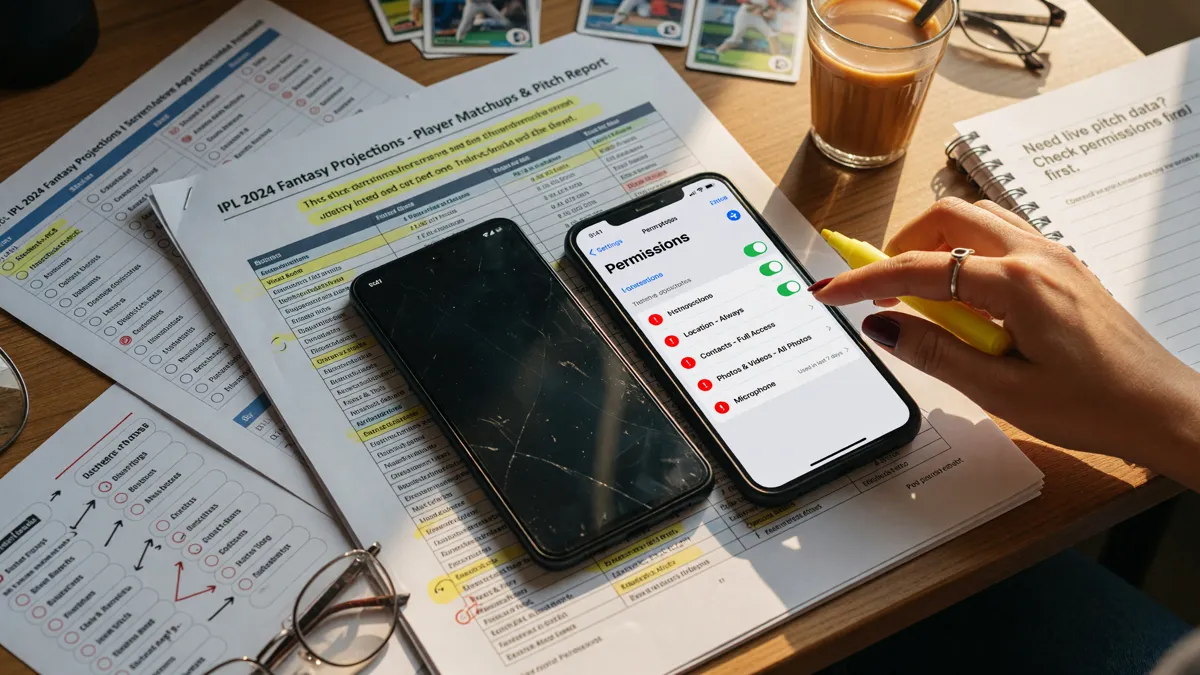
On install, review the permissions the app requests. Storage, network and notifications are reasonable; SMS access is not.
Reviews & ratings
A pattern of complaints about withdrawals or account locks is a red flag.

Protect your account from day one
Most account takeovers come from credential reuse or from a missing second factor. Below is the desk’s standing protection list.
Account protection — minimum baseline
Apply at signup · update quarterly| Item | Why | How |
|---|---|---|
| Strong unique password | Credential reuse is the #1 cause of account takeover | Use a password manager; never reuse |
| Two-factor authentication | Stops credential stuffing at the door | Authenticator app — not SMS if available |
| Verified mobile + email | Account recovery depends on it | Verify both at signup |
| Withdrawal lock | Blocks unauthorised withdrawal even if login is breached | Enable in account settings if available |
| Device hygiene | Stops session hijack from malware | Keep OS updated; avoid rooted devices |

Before your first deposit

Three checks before you deposit: (a) confirm the operator’s KYC requirements are clear and achievable with your documents; (b) confirm the deposit method you intend to use (UPI, bank transfer, card); (c) confirm the bonus terms — many platforms require wagering before withdrawal, and the terms matter more than the headline figure.
What is the safest install path?
Official domain → official app store listing → permissions audit. If any of those three steps fails, do not install.
Should I enable two-factor authentication?
Yes — on every account that touches money. Authenticator-app 2FA is stronger than SMS 2FA; use it where the platform supports it.
Can I install on multiple devices?
Most operators allow multiple devices but limit active sessions. Check the operator’s terms; do not share your login.
No install links from this desk: We do not host or distribute APKs. We point you to the operator’s official domain and official app store listing. If a third party offers an “11Wickets APK” outside the operator’s own site, treat it as unverified.
A pre-install app-store checklist
A clean app-store check takes 60 seconds and removes most of the install risk. Below is the desk’s standing checklist. Use it on every fantasy-cricket app you install, not just 11Wickets.
Search the operator name in the official store
Avoid third-party app stores; the official store is the operator’s verified source.
Confirm the developer name matches
The developer name on the listing should match the operator’s official company name.
Check the last-update date
An app updated in the last 30 days is a positive signal; an app not updated in 6+ months is a yellow flag.
Read the recent reviews
Look for patterns — withdrawal issues, account locks, support responsiveness.
Check the app size and permissions
A 4 MB app that requests SMS, contacts and location is suspect; report it.

What to do immediately after install
Once the app is installed, do three things before you deposit. First, set a deposit limit in account settings — on day one, not after the first loss. Second, enable two-factor authentication. Third, verify your mobile and email. These three actions take five minutes and prevent most of the common account problems.
How to handle app updates
Updates usually bring security fixes and bug fixes. Install them when they appear, especially security updates. If an update changes the terms or asks for new permissions, read both before accepting — some updates change the data the app collects or the way it interacts with your device.
How the desk tests the app itself
When we say we test the app, we mean we install it on a clean device, walk through the signup flow, verify the KYC process, run a small deposit and a small withdrawal, and then disable the account. The whole cycle takes an afternoon and produces a much richer picture than reading the operator’s help centre. The signup flow tells us whether the verification steps are achievable; the deposit tells us whether the payment rails are working; the withdrawal tells us whether the operator’s promises hold in practice.
Most platforms pass the signup test and fail the withdrawal test. The desk flags that as a Watch status on the operator verification matrix. A platform that consistently fails the withdrawal test is a platform to avoid, regardless of how strong the marketing copy looks.
Common app problems and how to handle them
App crashes on launch
Clear the app cache; reinstall; if the problem persists, escalate to the verified customer-care route with the device model and OS version.
Login loop
Clear cookies in the in-app browser; check the mobile network; try the desktop login as a sanity check.
OTP not received
Wait 60 seconds; check the spam folder on SMS; resend; if still missing, the operator’s SMS gateway may be down — try again later or escalate.
KYC upload failing
Reduce the file size below 5 MB; ensure the document is fully visible; check the format (JPEG, PNG, PDF on most platforms).
Deposit not reflecting
Wait 5–10 minutes for UPI; 30–60 minutes for bank transfer; check the operator’s transaction history for the reference.

Latest reference read for the app reader
A reference-mode case study of a verified first-class stint — figures, surface profile and how an app reader should capture the inputs into a player card on the app.
 App Reference
Suthar’s Taunton Five-For: A Player-Card Case Study for the App Reader
A reference-mode case study for app readers: how to translate Manav Suthar’s 5/100 in 46.5 overs, the 7-wicket match haul and the 11-wicket, 28.09 stint into the verified record a player card on the app should actually carry.
Read the news brief →App vs. web — when to use each
The native app is faster and has better notification handling. The web version is more secure (no install risk) and works on any device with a browser. Most players end up using both: the app for contest entry and notifications, the web for account management and KYC upload. The desk recommends against installing the app on a work device or a shared device.
A permissions deep-dive
A fantasy-cricket app’s permissions should be limited to: notifications (optional), storage (for KYC document upload), network (for live updates), and camera (for KYC document upload via photo). Anything beyond these is a yellow flag. SMS permission is never required by a fantasy app; deny if asked. Contacts, location, microphone and calendar permission are never required; deny if asked. Background activity is rarely required; deny if asked.
When to update the app
Update the app when the operator pushes a security update (usually every 4–6 weeks). Update the app when a feature you use has been improved. Do not update the app on a metered connection if the update is large; wait for Wi-Fi. Do not update the app on a public Wi-Fi network; the update could be intercepted. Most operator updates are 5–20 MB; large updates (>50 MB) usually bundle a major UI change.
A good install habit
A good install habit takes 5 minutes and prevents most account-level security incidents. Before installing any fantasy app, run through the standing checklist: verify the official domain, verify the official store listing, check the last-update date, read the recent reviews, audit the permissions. The checklist is the same for every app; the discipline compounds across your apps.
Questions readers ask
Is the app available on the iOS App Store?
Check the operator’s official site for the current app store link. Availability changes; do not rely on third-party listings.
What if I see a download link on social media?
Treat it as unverified. Always go to the operator’s official domain and follow the download link there.
Do I need to give the app SMS permission?
No. SMS permission is rarely needed by a fantasy app; deny it if asked.
Open the editorial app entry
Verify the current offer in your own account, then play only what you can afford to lose.