
A side-loaded APK is the single biggest fraud surface in Indian fantasy apps. This page is a deliberate, safety-first download guide: how to verify the source, what to confirm before install, and the red flags that mean you should not proceed.
The verified source — only one

Only the operator’s official domain or the official app store listing is a verified source. A link posted on social media, in a Telegram group, or sent by an unknown contact is not a verified source, regardless of how plausible the URL looks.
Red flags — stop and walk away
Spelling variants
11wickets, 11wicket, 11wckets, 11wicketts — these are usually phishing.
Shortened URLs
bit.ly, tinyurl, t.co and similar are not the operator’s official source.
APK from third party
A standalone APK outside the official store is the highest-risk install.
Permission creep
SMS, contacts, location, microphone — none of these are required.
No HTTPS
A non-HTTPS download page is a red flag on its own.

A three-step verification
Step one: type the operator’s domain directly into your browser. Do not follow a link — type it. Step two: find the official download link on the operator’s own page. Step three: confirm the app store listing matches the developer name on the operator’s page.
What is the single biggest red flag?
A third-party APK hosted outside the operator’s own domain. Never install.
How do I confirm the app store listing?
Open the official app store, search the operator name, and check the developer name. It should match the operator’s official company name.
Is there an APK latest version?
The official store handles updates. There is no “latest version” benefit from side-loading; you only get the security risk.
We do not host APKs: This site never hosts or distributes APKs. We only point you to the operator’s official domain and official app store listing. Anything else is unverified.
What “side-loaded” actually means
A side-loaded app is one that is installed from a source other than the official app store. On Android, that means enabling “install from unknown sources” in settings — a deliberate security weakening that exposes the device to malicious software. On iOS, side-loading typically requires a developer certificate or a third-party installer, which is not supported on consumer iOS devices.
Side-loading is the single biggest fraud surface in fantasy apps. The desk cannot recommend it for any user, in any state, for any reason.

If you have already side-loaded the app
If you have installed an APK from an unofficial source, do not enter your PAN, Aadhaar, bank details or UPI ID. Uninstall the app; clear the browser cache; run a security scan; change the password on any account that shares the same password. If you have entered financial details, contact your bank and the operator’s verified customer-care route immediately.
Using the browser as an alternative to the app
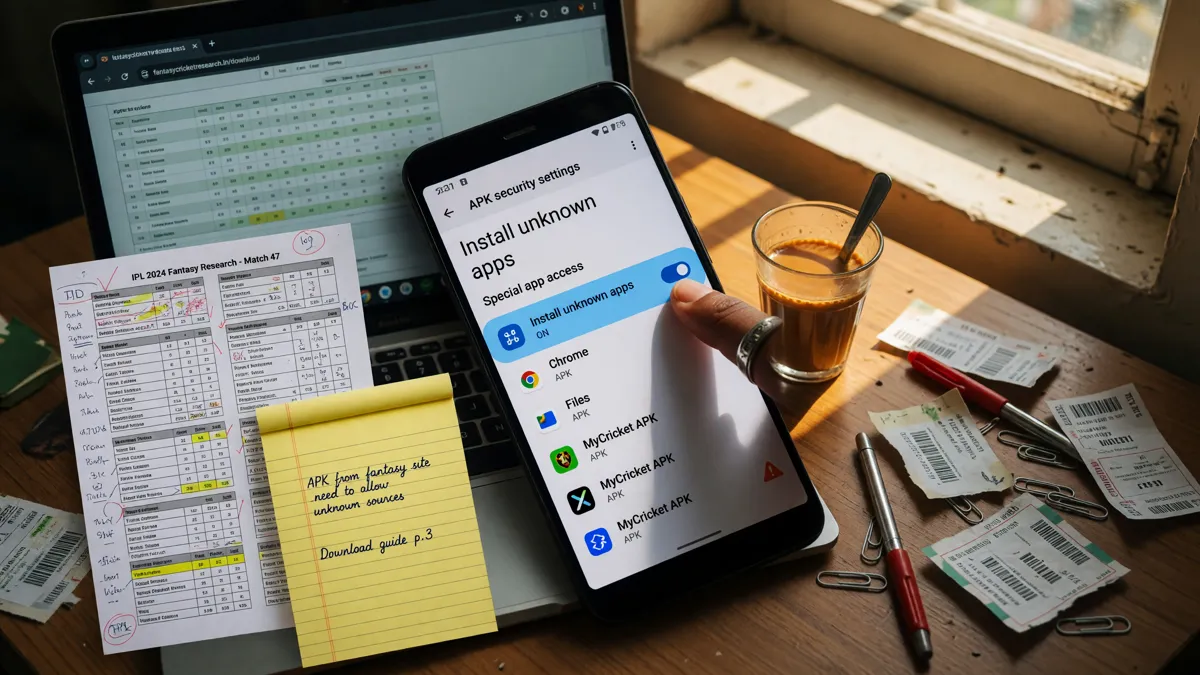
Most operators offer a mobile-friendly web version that does not require an app install. The web version is functionally equivalent for contest entry and wallet management, and it removes the install risk entirely. If you are unsure about the app, use the web version for a week first. If the web experience is sufficient, you may not need the app at all.
How to uninstall cleanly
Uninstalling the app is straightforward, but a clean uninstall removes residual files that may contain session tokens or cached data. On Android, clear the app cache in settings → apps → the app → storage → clear cache — then uninstall. On iOS, delete the app; clear the Safari cache if you used the web fallback. A clean uninstall reduces the residual attack surface.

What if the operator’s official site is down?
If the operator’s official site is unreachable, do not download the app from a third-party source while you wait. The site is usually back inside a few hours; if it is not, escalate via the operator’s verified social handles (verify they are real before following) or contact the operator’s verified customer-care route from a previous session. A multi-day outage with no operator communication is a red flag; pause your play until it is resolved.
What the app does on first launch
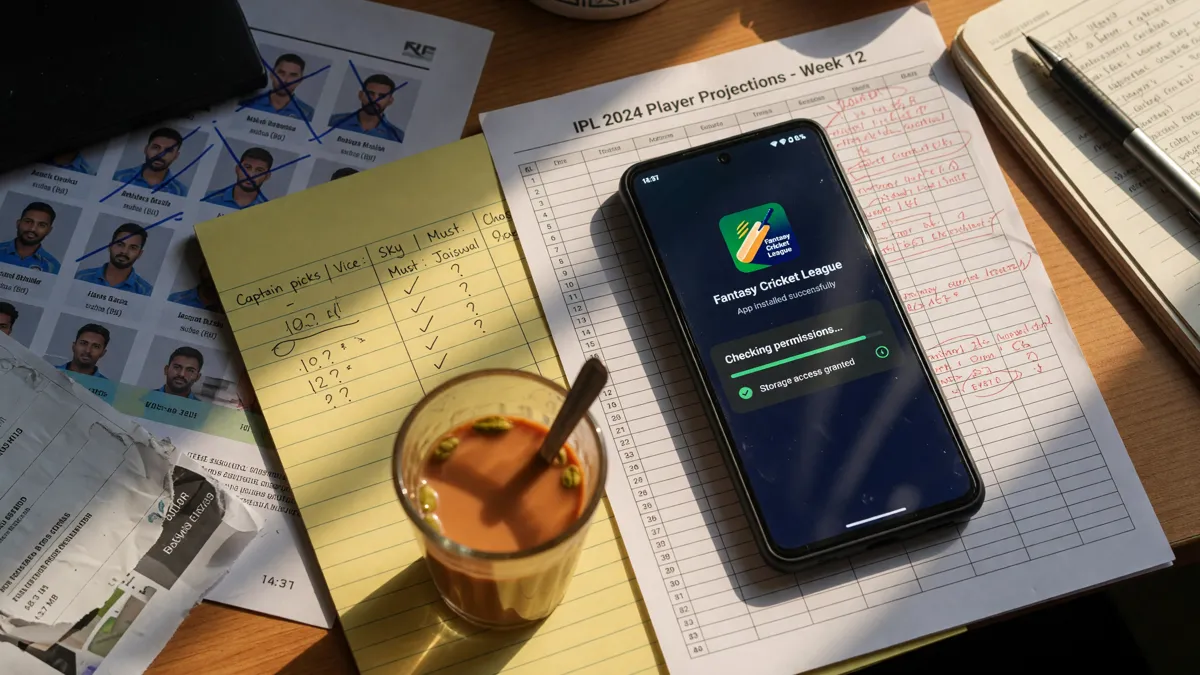
On first launch, the app usually requests notification permission and asks for a verified mobile number. Notification permission is optional; deny it if you do not want to receive contest alerts. Verified mobile is required for signup; provide it. The app should not request SMS, contacts, location, microphone or storage permission on first launch; if it does, deny and report.
Data-saver mode and offline use
Most fantasy-cricket apps work over Wi-Fi or 4G; offline use is limited to viewing previously loaded contest history. Data-saver mode (in the app settings, if available) reduces the data the app consumes by disabling live score updates; useful on a metered connection. The desk recommends data-saver mode for players who primarily use the app for contest entry rather than live tracking.
When the app is not available
If the operator’s app is not currently available in your region’s app store, you have three legitimate options. First, use the web version on mobile (most operators have a fully-featured web version). Second, contact the operator’s verified customer-care route to ask about expected availability. Third, wait. Side-loading from a third-party source is never an option; the security risk is not worth the temporary access.
The web fallback is legitimate
Most operators offer a fully-featured web version that does not require an app install. The web version handles contest entry, wallet management, KYC upload and customer-care access. For players who are not comfortable with the app install path, the web version is the legitimate fallback. The desk recommends the web version for players who want to test an operator before installing the app.
A download recap
A clean download flow has three habits: verify the official domain, verify the official store listing, audit the permissions on install. The three habits together cover most of the common download scenarios. The web fallback is the legitimate alternative for players who are not comfortable with the install path.
Questions readers ask
Can I download the APK directly?
Only from the operator’s official domain, and only if the operator explicitly hosts an APK. Most Indian fantasy apps are distributed via the official app stores; side-loaded APKs are not the recommended path.
What if the official site does not list a download link?
Treat that as a signal. The app may not currently be available, or the official path is via the app store. Verify with the operator’s customer-care page.
How do I report a phishing link?
Report to the operator’s customer-care route and to the CERT-In phishing reporting portal. Do not engage with the link.
Open the editorial app entry
Verify the current offer in your own account, then play only what you can afford to lose.