This page lives under Login Help because most readers who reach it are not first-time installers — they are readers whose own pre-flight stalled somewhere between state eligibility, the age gate, the KYC document list, the current offer in their account, or the deposit route. The desk’s canonical pre-flight checklist lives at Open the Operator App; this page picks up where that checklist ends. If a step did not work, here is who to contact, what to attach and what a typical resolution window looks like.
When the pre-flight stalls — what this page covers
Five checks gate every sign-up: state eligibility, age, KYC readiness, the current offer and the deposit route. The full check-by-check walkthrough lives on the canonical pre-flight page; this page treats each check as a hand-off case. For every gate, the desk records: the most common failure mode, the verified customer-care channel, the documents to attach, the typical resolution window and the escalation path if the operator’s first-line support does not resolve it inside the window. The desk does not run support; the operator’s verified channel is the only authority that can act on your account.
Case 1 — State eligibility: the sign-up form is blocked
If the operator’s sign-up form returns a state-restriction message before you can register, the operator has detected an ineligible state from your network or your submitted address. The pre-flight page walks the five-state picture (permitted, restricted, silent, geo-fenced, age-only). This page records the hand-off: confirm your state against the operator’s permitted list in your own account, not from a cached third-party widget; then contact the operator’s verified customer-care route on the Customer Care page if your account was created in a permitted state but a later sign-in is being blocked by a geo check. Have your verified mobile number, your PAN and a recent address-proof document ready. Typical resolution window: 24–72 hours.
The desk’s Legal Status page documents the Public Gambling Act, 1967, the MeitY framework and the PROG Act context. State lists change; the desk re-verifies quarterly and dates the page. If you have moved state since your last deposit, the operator’s own terms page is the source of truth on whether your new state permits contests.
Case 2 — Age verification: the gate is a regulatory requirement
The operator’s age gate is a regulatory requirement, not a marketing step. If the gate rejects your sign-up, do not attempt to bypass it; the operator is required to lock the account and forfeit balances on a failed check. The pre-flight lists the five-state and federal age rules. This page records the hand-off: the only legitimate path back to a working account for an under-18 reader is to wait until 18; the operator’s verified support channel will not unlock an account that failed the regulatory gate. Free-to-play research contests exist for adults; they are not a substitute for adult, real-money play and they are not open to minors.
For an adult reader whose age check is failing because of a date-of-birth typo at sign-up, the hand-off is: contact the verified customer-care route with a clear photograph of your PAN or Aadhaar (date of birth visible). The operator’s identity-verification flow corrects the DOB in the account record. Typical resolution window: 24–72 hours.
Case 3 — KYC readiness: documents held at first withdrawal
The operator requests KYC documents at first withdrawal, not at sign-up. The pre-flight lists the documents you should have ready (PAN, Aadhaar, cancelled cheque or recent bank statement, a clear photograph). This page records the hand-off for the common hold reasons: PAN name does not match bank name (the single most common KYC hold — fix by re-submitting with the exact name on your PAN), Aadhaar photograph does not match the account photograph, or the cancelled-cheque image is unreadable. The Wallet & KYC page walks through the documents, the timing and the rejection taxonomy in detail.
If the operator’s KYC queue rejects a re-submission, the hand-off is: contact verified customer-care with a clear note that this is a second submission and attach the rejection screenshot. The operator’s queue reviews repeat submissions with a higher-quality bar; the typical resolution window is 24–72 hours, longer for cases that require manual PAN verification. A penny-drop test (a tiny test deposit of ≤ ₹1 from the operator to your bank) is the cleanest way to confirm the bank account is active and in your name before the operator runs the KYC match.
Case 4 — Current offer: what the desk will not publish
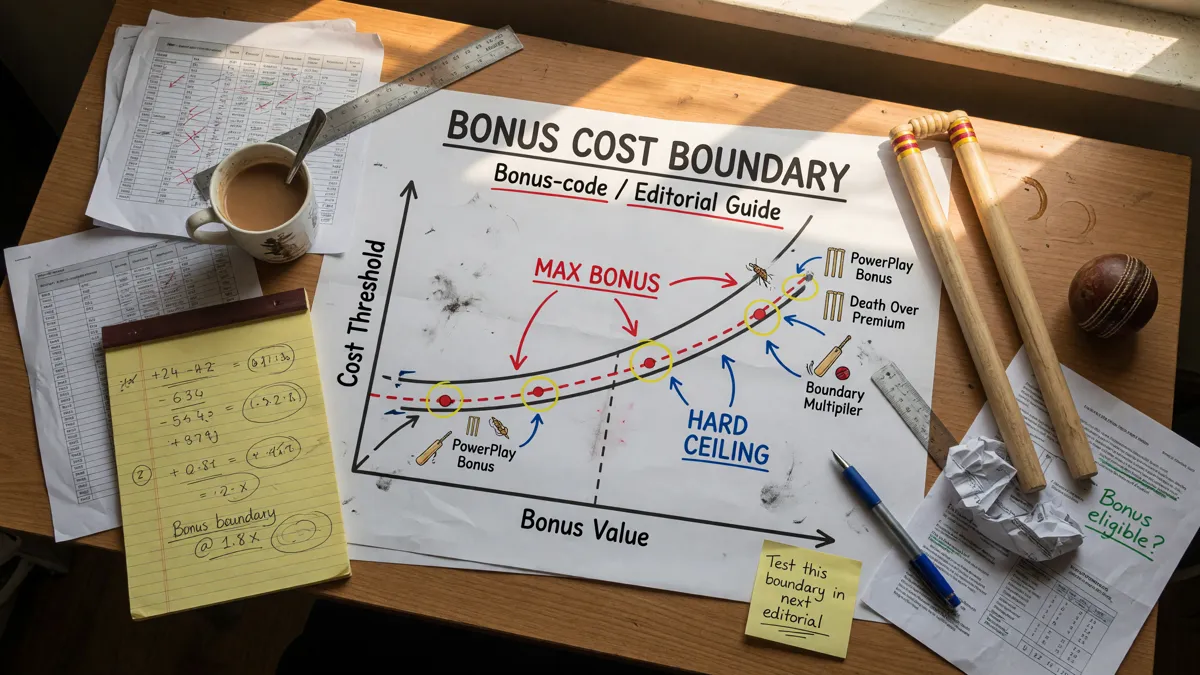
The operator’s headline offer changes weekly, sometimes daily. The pre-flight explains why the desk does not invent current offers; this page records the hand-off for a reader who arrived here because they could not find a current offer. The reliable check is the operator’s own “Offers” or “Promotions” screen inside the app, after sign-in, on the day you intend to enter a contest. The desk does not maintain a current-offer list because the list is stale within days; the operator’s own in-app screen is the only source of truth at the moment of entry.
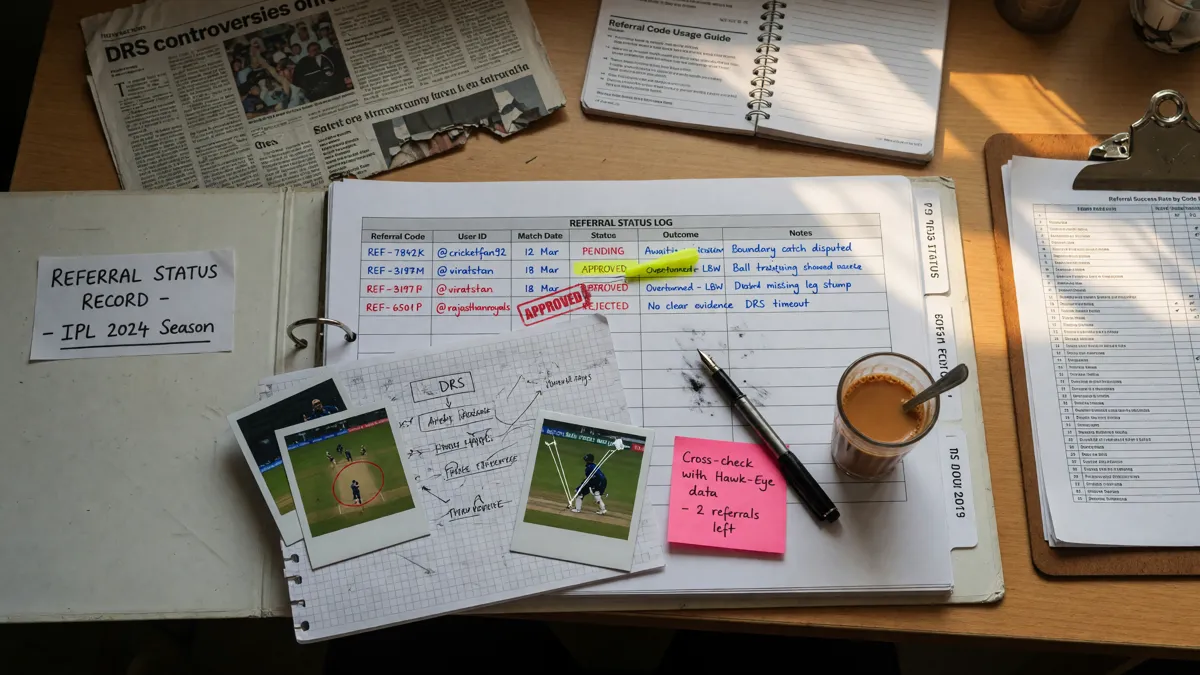
If a bonus code or referral code you entered is not applying, the hand-off is: contact verified customer-care with the code, the contest you intended to enter, and a screenshot of the in-app “Offer” screen showing the offer was not credited. The Bonus Code page walks through the wagering requirement, the expiry window and the eligible-contest list the operator typically publishes; the Referral Code page covers attribution-window questions. Typical resolution window: 24–72 hours if the code is active, longer if the operator’s queue needs to verify the attribution window.
Case 5 — Payment route: deposits and withdrawals are not symmetric
Deposit and withdrawal routes are not always symmetric. UPI is fast for deposits and usually fast for withdrawals. Netbanking is reliable for deposits and slower for withdrawals. Wallets are convenient and usually have a balance cap. The pre-flight lists the route trade-offs; this page records the hand-off when the route you picked stalls. If a deposit fails but the money left your bank, the hand-off is: contact verified customer-care with the bank reference number (RRN or UPI reference), the operator’s transaction ID and a screenshot of the bank statement showing the debit. Typical resolution window for a failed deposit with the money not credited to the operator: 24–48 hours; for a credit-but-operator-says-failed case: 48–96 hours.
For a withdrawal stall, the Withdrawal Guide documents the typical timelines, the TDS treatment (30% plus surcharge and cess on single-contest winnings above ₹10,000) and the failure modes the desk has catalogued from public reports. The hand-off if a withdrawal is overdue past the documented timeline: contact verified customer-care with the withdrawal request ID, the expected timeline from the operator’s own page and the bank statement showing no credit. The desk publishes the verified customer-care route on the Customer Care page; escalations past the operator’s internal window are recorded in the open correction log on the Editorial Standards page.
What the desk will not do
The desk does not run support. The desk cannot unlock an account, reverse a deposit, apply a bonus code, verify a KYC document or speed a withdrawal. The desk’s About page and Editorial Standards set out what the desk publishes (independent research, scoring explainers, captaincy frames, platform due diligence) and what the desk does not (operator actions, account-level interventions, real-money resolution). Every commercial CTA on this site is a first-party affiliate handoff to the operator’s own app entry; the affiliate tracking fires once on that hop and the desk never receives account-level data.
A responsible-play reminder
Fantasy cricket is a paid contest skill game where permitted. The desk’s position is unchanged across every guide: play only if you are 18+, located in a permitted state and able to absorb the loss. Deposit limits, self-exclusion and state helplines are catalogued on the Responsible Play page. If you need support, contact the operator directly through the verified customer-care route on the Customer Care page or call a state helpline. The desk does not run support.
If you cannot deposit or sign up at all
The most common reason is state-based geo-restriction: the operator has detected an ineligible state and blocked sign-up. The second most common is an age-gate trigger. The third is a duplicate-account hold against the same PAN or mobile. The Login Help page covers the recovery flow for locked accounts, including the verified customer-care escalation path; the Delete Account guide walks through the documented exit path if you decide not to continue.
If you change your mind after the first deposit
The desk’s Delete Account guide walks through the documented exit path — balance withdrawal, KYC closure, account deletion request. Operators honour deletion requests inside a defined window (usually 7–15 days). The desk publishes a verified customer-care route on the Customer Care page; verified escalations are recorded in the open correction log on the Editorial Standards page. Withdrawal of any remaining balance is a precondition of account deletion; the Withdrawal Guide documents the documented timelines and the TDS treatment.
Where the desk publishes the current picture
The desk re-verifies the operator’s verification matrix at least once per quarter. The matrix date is the desk’s most honest signal; if a reader sees an old date, they should treat the matrix as a starting frame, not as current evidence. The Independent Review page is the canonical place to check the matrix; the Legal Status page is the canonical place to check the state-by-state picture. This hand-off page is a support-flow reference, not a verification matrix.
Questions readers ask after a failed pre-flight
Why is this page under Login Help if it is about pre-flight failures?
The canonical pre-flight page is the desk’s standing checklist for first-time installers. This page is the hand-off that runs after a check has stalled — the most common reason readers reach a Login Help page is that one of the five gates (state, age, KYC, offer, payment) did not work the first time. The two pages are paired, not duplicated.
Can the desk unlock my account?
No. The desk does not run support and cannot act on operator accounts. The operator’s verified customer-care route on the Customer Care page is the only authority that can unlock, modify or close an account.
What is the typical resolution window for a failed pre-flight?
Most first-line cases resolve in 24–72 hours. KYC-queue re-submissions that need manual PAN verification can run to 5–7 days. Withdrawal overdue cases past the operator’s documented window can run to 7–14 days. The desk records every verified escalation in the open correction log on the Editorial Standards page.
What should I attach when I contact the operator’s support?
Verified mobile number, PAN (last four digits are usually enough), a screenshot of the in-app error message, the transaction or request ID if relevant, and a one-line summary of what you attempted. Never share your OTP, your full password or your full card number with a support agent — a real operator never asks for these.
Will the desk publish a current bonus number?
No. Bonus numbers change weekly and the desk does not invent current offers. Verify the current offer in your own account on the day you intend to enter a contest; the Bonus Code page walks through the typical terms most operators publish.
Open the editorial app entry
Verify the current offer in your own account, then play only what you can afford to lose.