
Customer-care scams are a common attack surface in fantasy apps. This page is the desk’s standing brief on how to reach the operator’s verified support, what to keep ready, and how to escalate if the standard channels are unresponsive.
Verified channels only

A verified channel is one that appears on the operator’s official domain or official app store listing. Phone numbers shared on social media, Telegram groups or unofficial forums are not verified channels, regardless of how plausible they look.
What to keep ready
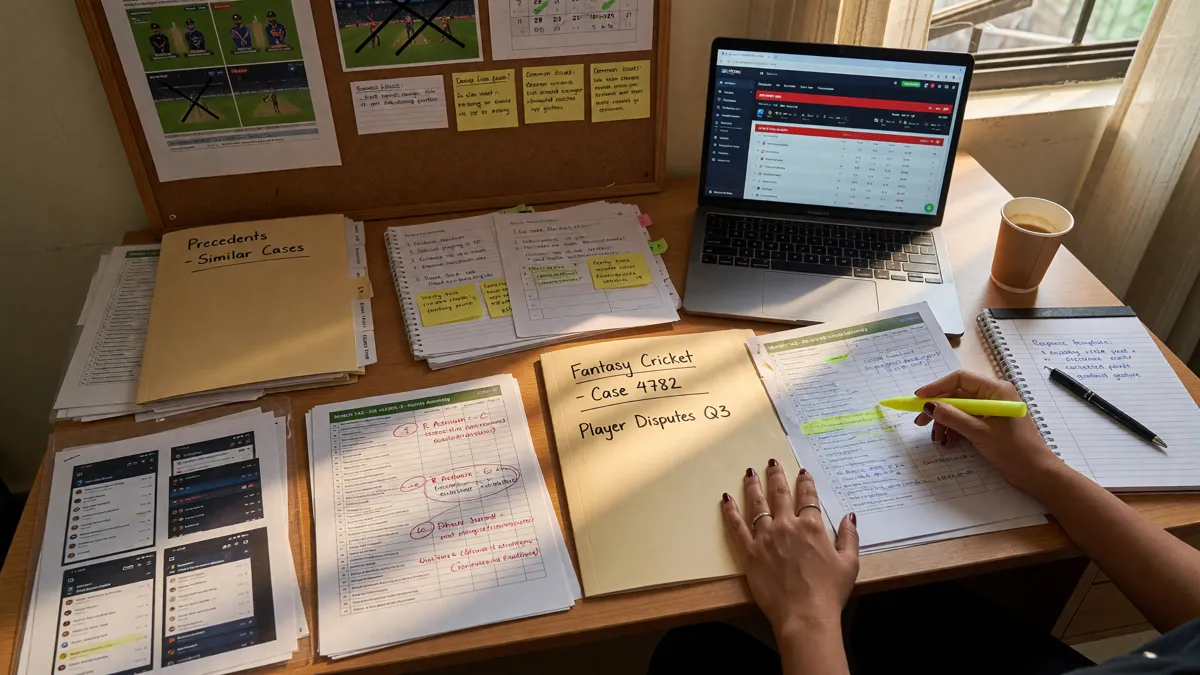
Account ID
Find it in your account profile or app settings.
Verified mobile & email
The contact details on the account, not the ones you might switch to.
Issue summary
A short paragraph with dates, actions and the issue you are reporting.
Reference number
For withdrawal or KYC issues, the request reference number.
Documents
PAN, Aadhaar, bank statement if the issue is KYC or withdrawal-related.

Common cases and how to handle them
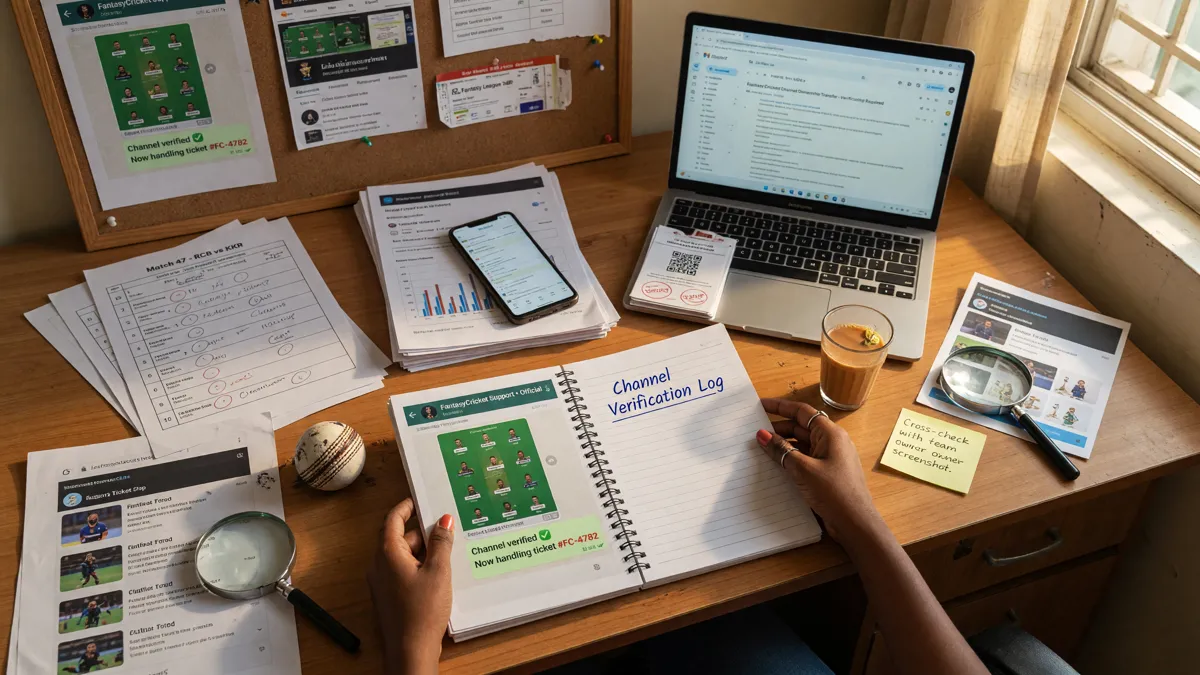
Account locked
Usually too many failed login attempts or a KYC verification issue. Use the verified customer-care route; have your verified mobile + PAN ready.
Withdrawal pending beyond stated time
Check the operator’s stated processing time first. If exceeded, escalate with your withdrawal reference number.
Bonus not applied
Verify the bonus terms (wagering, expiry, contest eligibility). If still unclear, contact support with the bonus code and your account ID.
If standard channels are unresponsive
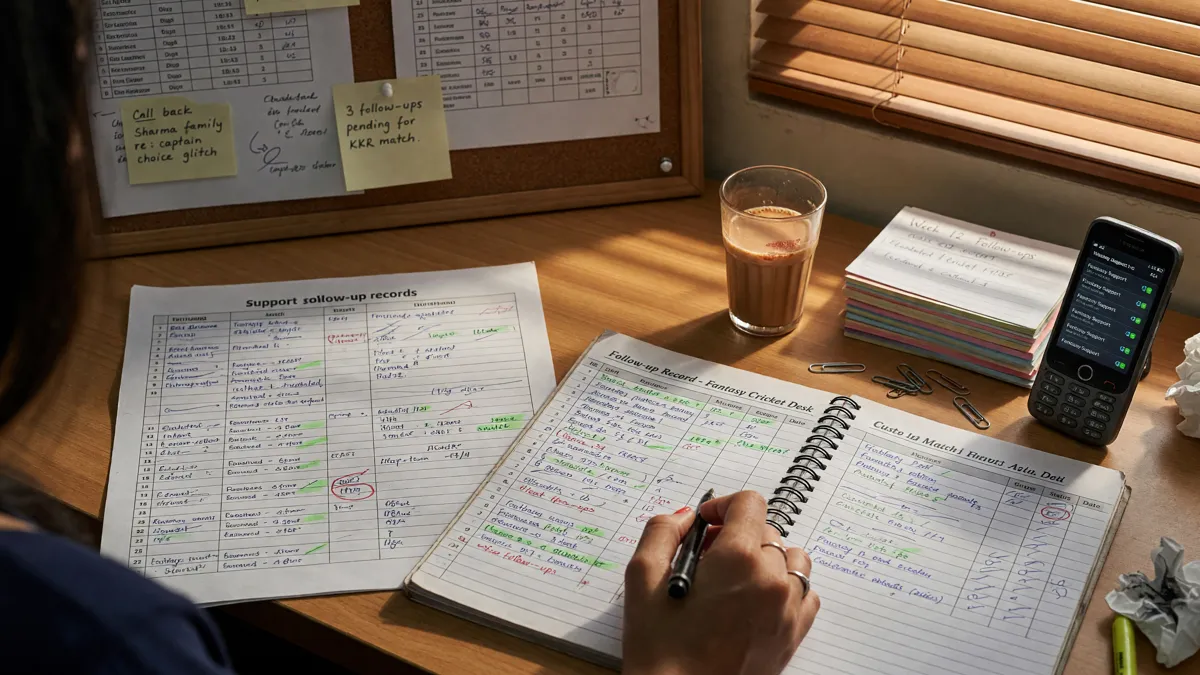
If the operator’s standard support is unresponsive after 48–72 hours on a money-related issue, the next escalation path is the operator’s grievance officer (most platforms publish one in their terms). For consumer-protection issues beyond the operator, you can file a complaint with the National Consumer Helpline (1915) or via the INGRAM portal.
No invented phone numbers: We never invent customer-care phone numbers. Every channel listed here comes from the operator’s official domain or official app listing, with the date of the verification shown.
How to write a good support message
A good support message is short, factual and structured. Lead with the issue in one sentence. Include the account ID, the date and the reference number. Describe the action you have already taken (password reset, in-app help, email support). Attach evidence — screenshots are useful; long email chains are not.

Social media pressure, used carefully
Public social media pressure (a polite, factual post tagging the operator’s verified handle) is sometimes the fastest way to escalate a stalled issue. It is also a tool that can be misused. Stay factual; do not share personal financial details; do not defame; and use it only after the standard channel has stalled for at least 48 hours.
The grievance officer path
Most large Indian fantasy-cricket operators publish a grievance officer’s contact in their terms — usually an email address and a physical address. The grievance officer is the next escalation step after the standard customer-care route. A complaint to the grievance officer usually receives a written response inside 15–30 days, depending on the operator.
When to consider the consumer court
If the grievance officer is unresponsive on a money-related issue, you can file a complaint with the District Consumer Disputes Redressal Commission. The process is online in most states and the fee is small. The consumer court is appropriate when the operator’s grievance process has stalled for at least 60 days on a verifiable money claim. It is not appropriate for routine issues that the operator can resolve in the standard flow.

A good-message template
A template the desk uses for its own support messages. Adapt to your situation.
Subject: [Account ID] [Issue category] [Date]. Body: “Hello, I am writing about my account ([Account ID]). On [Date], I [action taken]. The expected outcome was [expected]. Instead, I observed [actual]. The reference number is [Reference]. I have attached [evidence]. Please confirm receipt and provide an expected resolution time. Thank you.” A message like this takes 5 minutes to write and saves hours of back-and-forth.
When support is good
Good support responds inside 24–48 hours, asks for the right evidence, and provides a clear next step. Great support does all that and tells you the expected resolution time. The desk flags operators with consistently good support as Verified on the responsible-play axis; consistently poor support is flagged as Watch.
How to verify a customer-care channel
A verified customer-care channel is one that appears on the operator’s official domain. Phone numbers, email addresses and social handles posted elsewhere are not verified. Before you contact support, open the operator’s official domain in a fresh browser tab; find the support link; confirm the channel. A channel that you cannot verify should not be used.
A response-time baseline
A reasonable response-time baseline: in-app chat < 1 hour during business hours; email < 24–48 hours; phone < 30 minutes during business hours. Outside business hours, expect longer. Money-related issues are usually prioritised. If a response time exceeds the baseline by 2× without explanation, escalate to the grievance officer.
In-app help, often the fastest channel
Most operators offer in-app help (live chat, callback request, FAQ search). In-app help is usually the fastest channel: response times are < 1 hour during business hours; chat transcripts are saved for escalation. The desk recommends trying in-app help before email support; if in-app help stalls, the chat transcript is a useful escalation artefact.
Social handles — verify before you follow
Some operators publish verified social handles (Twitter/X, Instagram, Facebook). The verified handle is the one linked from the operator’s official domain; the checkmark is a useful but not sufficient signal. Before you follow a social handle, open the operator’s official domain and find the social link; do not trust handles found via search.
Support hours, in plain words
Most operators publish support hours in the help centre. Indian business hours (10:00–19:00 IST, Monday–Saturday) are the typical window for email and in-app chat. Phone support is usually restricted to a narrower window. Money-related issues are usually prioritised inside business hours; technical issues may wait until the next business day. Outside business hours, expect longer response times.
A customer-care recap
A clean customer-care flow has three habits: verified channel only, structured message with account ID and reference number, escalation ladder (in-app help → email → grievance officer → consumer court). The four habits together cover most of the common support scenarios.
Questions readers ask
Is the operator’s customer-care number on the official site?
It should be. If not, use the in-app help or the operator’s official email support.
How long does customer-care take to respond?
Most operators respond inside 24–48 hours on email; in-app chat is usually faster. Money-related issues are usually prioritised.
Can I share my OTP with customer-care?
No. A real operator never asks for your full OTP, full card number or full password. Treat any such request as phishing.
Open the editorial app entry
Verify the current offer in your own account, then play only what you can afford to lose.